Starting plugin development can seem intimidating for beginners, but with the right approach, anyone can create functional and professional plugins. This guide breaks down the process into manageable steps to help you get started confidently.
The first step is setting up a development environment. Install WordPress locally, use proper code editors, and familiarize yourself with basic PHP, HTML, and CSS. Understanding WordPress structure, hooks, and APIs is crucial before writing your first lines of code.
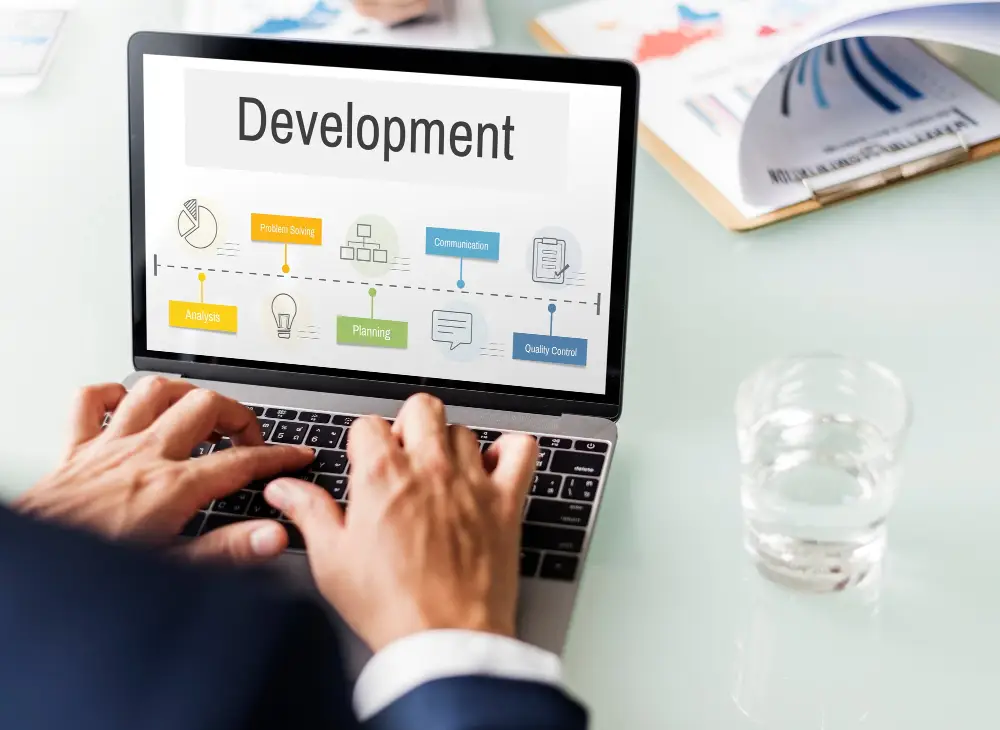
Next, plan the functionality of your plugin carefully. Define the problem it solves and the features it should include. Clear planning helps avoid scope creep and ensures that your plugin is practical, efficient, and easy to maintain.
Once development begins, focus on clean, modular code. Break your plugin into reusable functions, follow WordPress coding standards, and ensure compatibility with different themes and plugins. Regular testing is key to catching errors early and delivering a smooth user experience.
Finally, provide documentation and support. Even beginners should include instructions for installation, configuration, and usage. By combining solid development practices with helpful guidance, your first plugin can be both functional and professional, setting the foundation for future projects.